Introducing MDOCX: A Modern Container Format for the AI‑Powered Documentation Era
Published: January 24, 2026
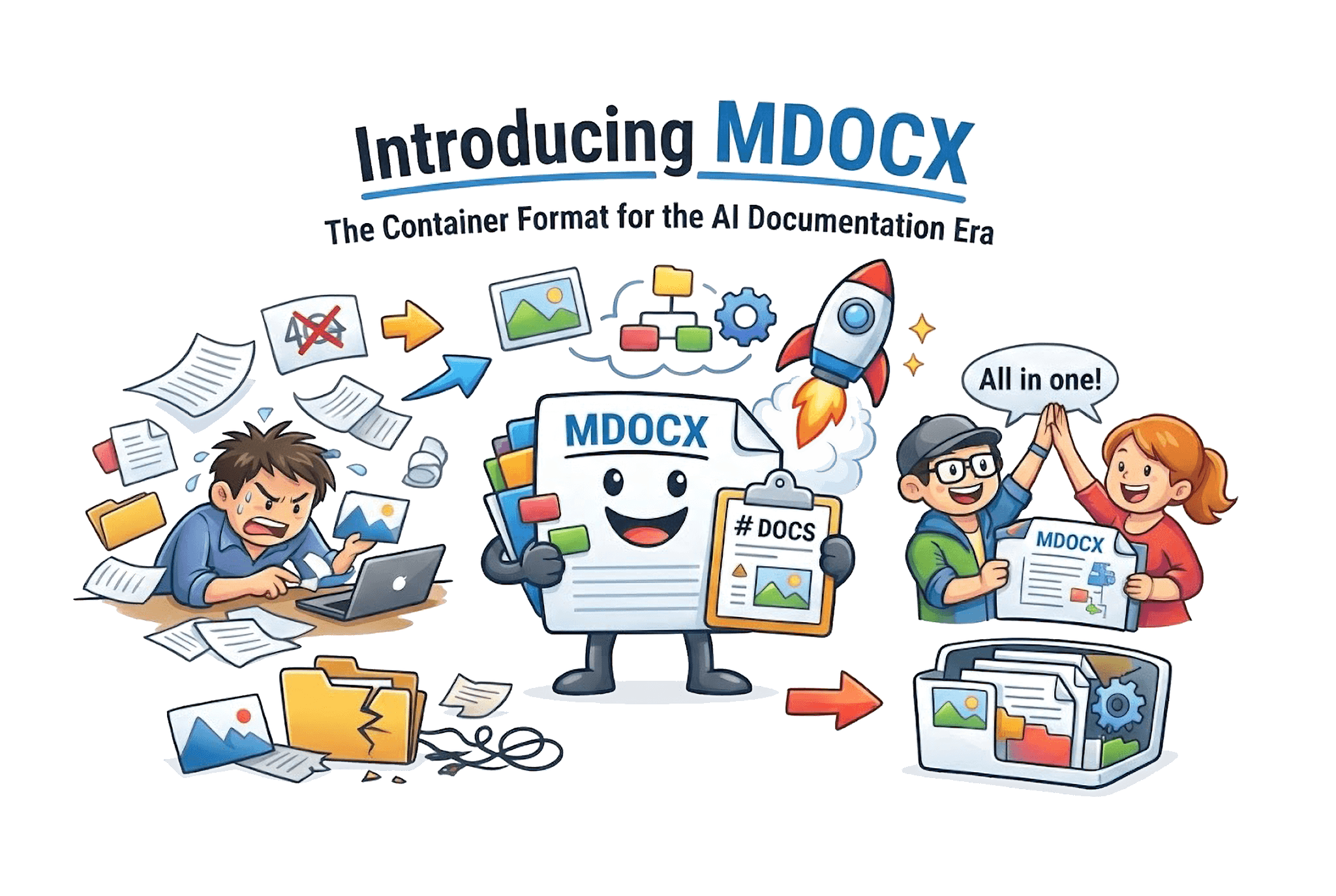
The story of MDOCX starts with a familiar moment. An AI assistant produces a polished set of Markdown pages—beautifully structured, richly formatted, and sprinkled with references to images and diagrams. Everything looks perfect… until you try to share it. The Markdown files move. The image paths break. The context disappears.
That frustrating gap is what sparked MDOCX.
Born from the AI Era
As Large Language Models reshaped content creation, a new problem emerged: managing the flood of Markdown‑formatted output generated by AI systems. At Logicos Software, AI Solutions Architect Martijn Wiggers kept seeing the same pain points—collections of Markdown files that belonged together, yet lived apart. They needed a way to cluster related Markdown documents together—complete with images, diagrams, and other media—into a single, portable container.
MDOCX is the result. It’s a purpose‑built format that treats documentation as a complete package rather than a fragile set of files.
What Makes MDOCX Different
The format is intentionally simple to use and powerful under the hood:
- One file, everything included. Markdown, media, and metadata travel together, so sharing never breaks references.
- Built for AI and indexing. MDOCX keeps an uncompressed metadata block at the start of the file, allowing search engines and AI systems to peek at titles, tags, and summaries without decompressing the payload.
- Flexible compression. Choose fast decompression for real‑time apps or maximum compression for archives.
- Stable media references. Media is referenced by ID (
mdocx://media/<id>), so links stay valid even as content evolves.
It feels like a ZIP file for documentation—but with intelligence where it matters.
Tools That Make It Practical
MDOCX isn’t just a file format. It’s a workflow:
- CLI tooling to pack, unpack, validate, and browse containers.
- SDKs in Go (reference), TypeScript, and Python so developers can build on it quickly.
- A VS Code extension for editing and previewing MDOCX directly in the editor.
- An online viewer at viewer.mdocx.org so anyone can open and edit files in a browser without uploading data to a server.
A New Workflow for AI‑Generated Docs
One of the most exciting use cases is AI‑generated documentation. With MDOCX, the output of a single prompt can become a portable, shareable file that never loses its embedded assets. If you want ChatGPT to generate MDOCX directly, start your prompt with:
Use `pip install logicossoftware-mdocx` to create mdocx with markdown files containing...
That single line is enough to turn a conversation into a structured, packaged document.
Open Standards, Open Source
MDOCX is fully documented in an RFC‑style specification, and all implementations are MIT‑licensed. We want MDOCX to be a community standard—open, extensible, and easy to adopt.
Where This Goes Next
We’re expanding compression support, refining metadata schemas, and exploring integrations with documentation platforms. But the core idea remains the same: keep documentation portable, intact, and ready for the AI era.
Try It Today
- Online: viewer.mdocx.org
- Python:
pip install logicossoftware-mdocx - TypeScript:
npm install ts-mdocx - Go:
go get github.com/logicossoftware/go-mdocx - CLI: GitHub Releases
Documentation has changed. It’s time the container did too.
Martijn Wiggers is an AI Solutions Architect at Logicos Software, focused on building tools that bridge AI capabilities and real‑world developer workflows.