A layout for your message
Start with an editorial newsletter, product announcement or event invitation. Adjust the content and check desktop and mobile previews before sending.
smartest.email by Logicos Software

Create newsletters people recognise, give website visitors a reason to subscribe, and keep your next campaign moving. Bring design, contacts, signup forms and reporting together in smartest.email.

Create & make it yours
Build visually with editable blocks, your images, colours and typography. Reusable templates give each campaign a familiar starting point, with room to try something new.
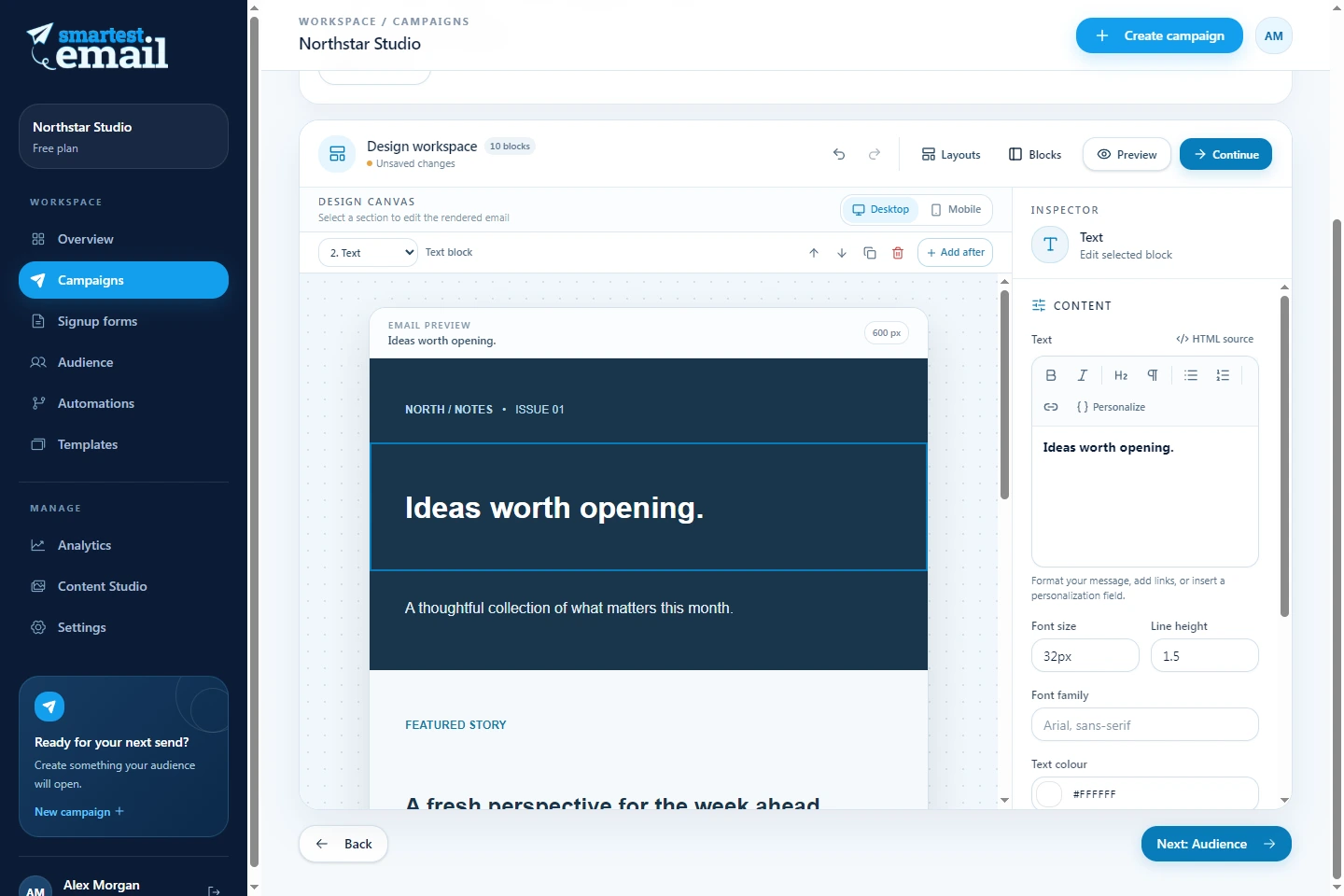
Start with an editorial newsletter, product announcement or event invitation. Adjust the content and check desktop and mobile previews before sending.
Upload images and files to your content library. Organise them in folders and search for the right asset when building your next email.
Choose a campaign or template language independently of your interface. New layouts and blocks use that language, while your existing text stays as you wrote it.
Beyond the design
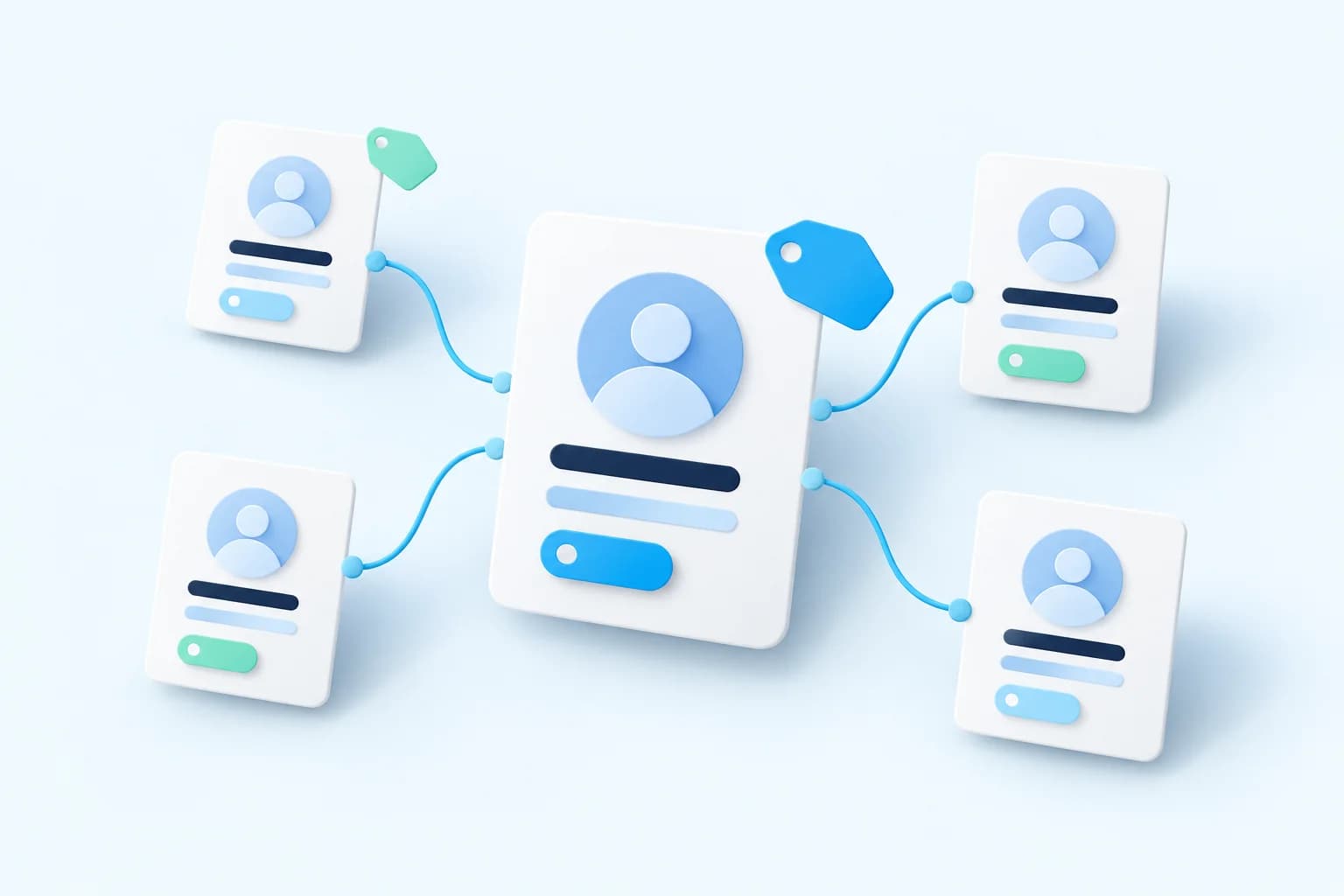
Bring contacts into one workspace and organise them around the details that matter to your business. Choose who should receive a campaign before you send.

Use your own sending domain with guided ownership and email-authentication checks. When your campaign is ready, send it now or schedule it for later.

Review recorded sends, opens and clicks alongside recipient outcomes. See which links attracted attention and use those signals to shape your next message.
Website connections
Build a signup form with the fields, colours and button styling that fit your website. Add clear consent wording and a privacy link, then choose how to publish it.
Connect your account from your website settings and choose a newsletter form. Visitors sign up on your website and confirm their email before joining your audience.
Discover smartest.websiteConnect with the smartest.email plugin, then add a signup block or shortcode. Preview the form, adjust its layout and collect subscriptions with email confirmation.
See the WordPress guideUse an embed snippet or hosted form link. Installation guides help you add signup forms to Wix, Shopify, Webflow, JouwWeb and other websites.
Explore website integrationsEvery signup starts with clear consent. Subscribers joining through smartest.website or WordPress also confirm their subscription by email.
Good to know
Yes. Sending requires a configured, verified domain. smartest.email shows the DNS records you need, including ownership and DKIM checks. You then select that domain when preparing your campaign.
No. Campaign and template languages control new layouts and blocks independently of your interface language. Existing content stays unchanged so you can review and edit it yourself.
Where AI writing is enabled for your workspace, you can draft copy, explore subject lines and rewrite text in a chosen language. Review suggestions before inserting them. Availability and usage limits apply.
Regular campaigns, email creation, contact management, signup forms, domain verification and basic reports are available. Contact and sending limits depend on your plan. Check smartest.email for current availability and pricing information.
Explore the workspace, see the features and find the right starting point for your newsletters.