Start in Dutch
Familiar instructions such as vooruit and rechts let children explore programming in their own language. English code offers another way to work with the same ideas.
An initiative by Logicos Software
With Pliro, children turn their ideas into drawings, games and programs. In Dutch or English, with blocks or text. Developed by Logicos Software to make that first step into programming approachable.
For curious children, families and schools. Start with free Learner.
Why learning to code matters
When children write a program, they decide what should happen and work out how to get there. Even with AI that can generate code, asking good questions and checking the result still matter.

Our ambition goes beyond future developers. We want children to feel able to question technology, test an idea and create something of their own.
Describe a route, invent a game rule or decide what a button should do. Programming offers a practical place to make an idea precise.
“What needs to happen first?”Predict the result, change one instruction and compare. An unexpected turn becomes something to investigate together.
“Which change made the difference?”Connect maths, art and imagination in a drawing or game. Let learners show how their choices shaped the result.
“How did you make it work?”From intention to product
Pliro brings code, visual blocks, and a live preview together in one editor. Children can start with a drawing and grow into games and more ambitious projects.
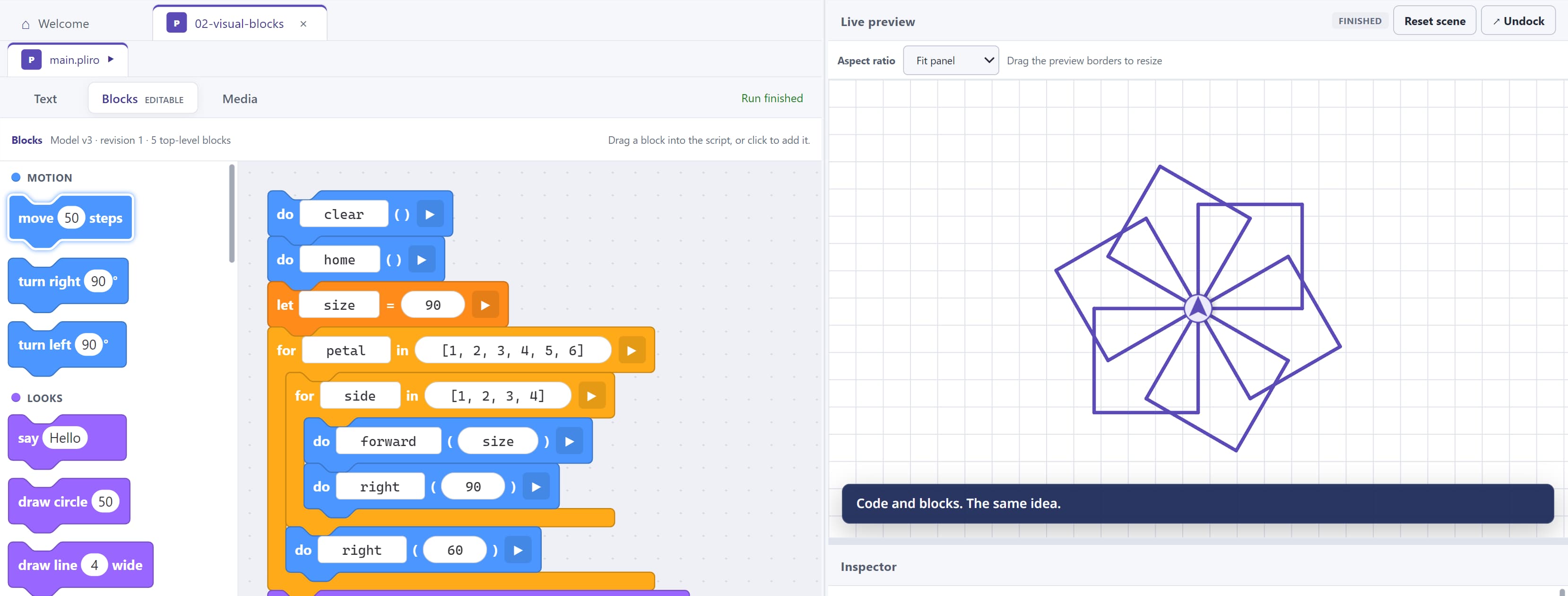
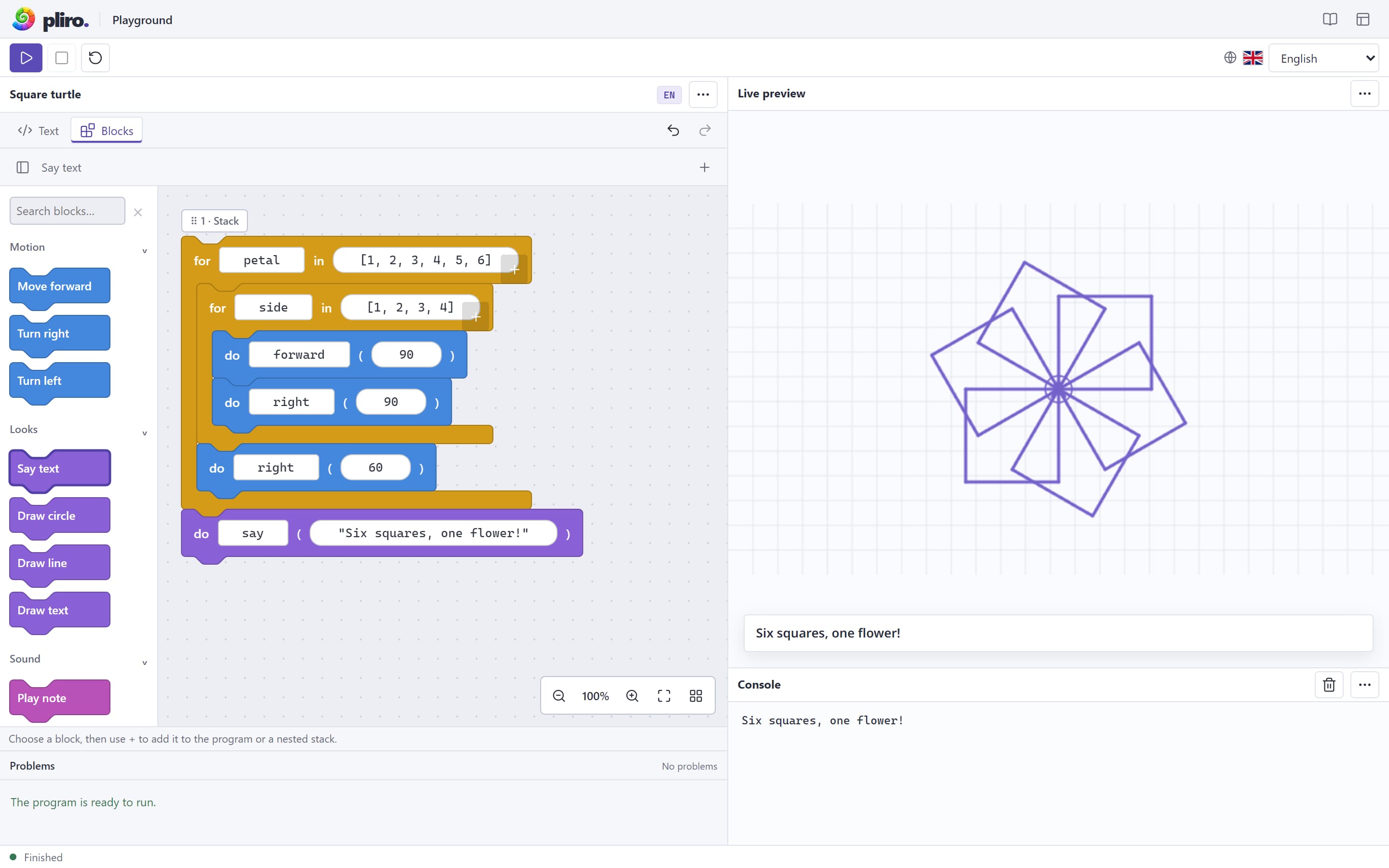
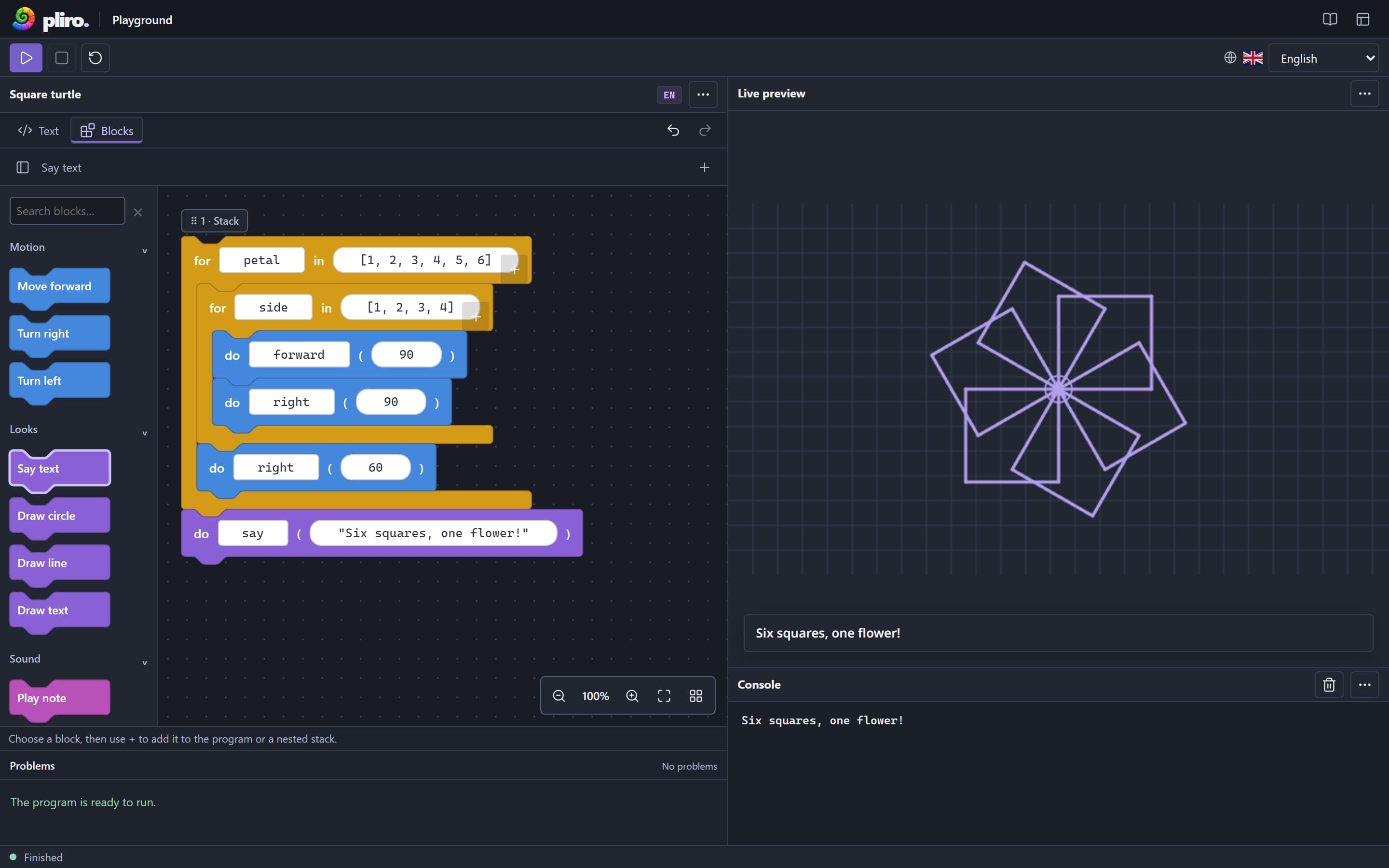
Familiar instructions such as vooruit and rechts let children explore programming in their own language. English code offers another way to work with the same ideas.
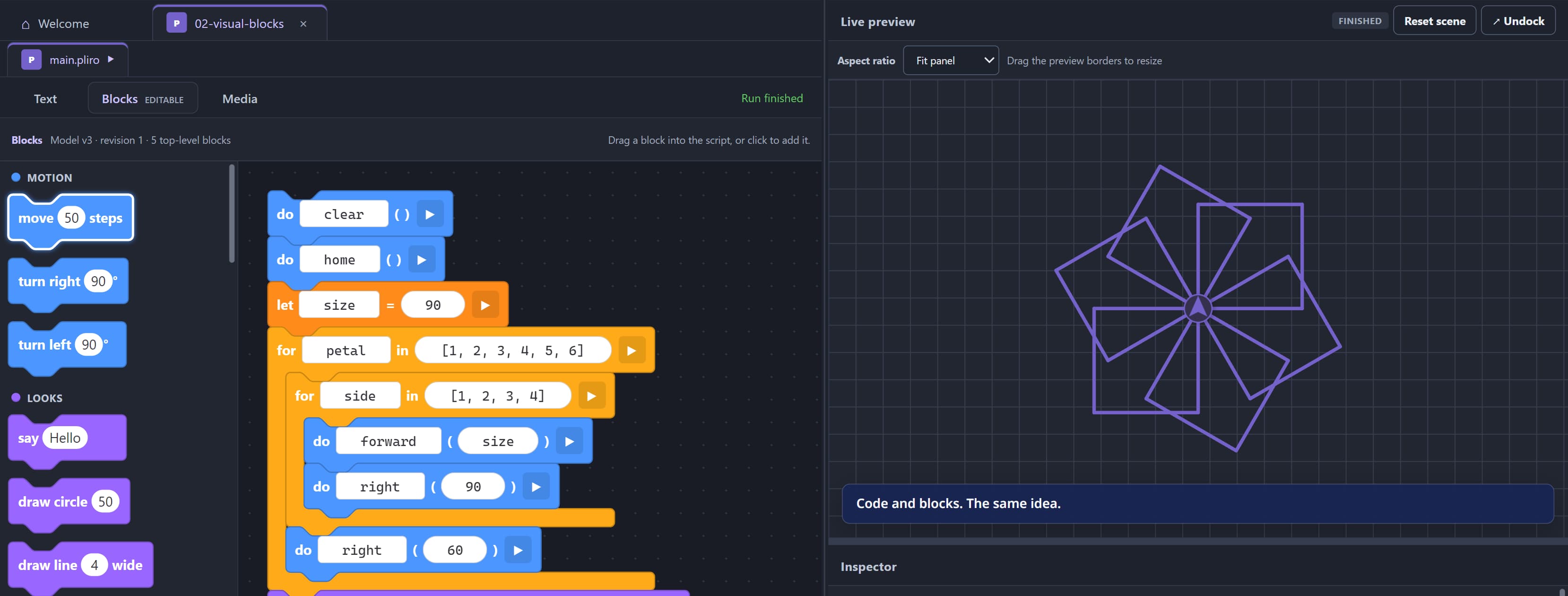
Visual blocks and readable text represent the same program. Children can see how the pieces fit together as they take their next step into writing code.
Turtle drawings, games, and virtual hardware turn instructions into something to explore. Change a number, run the program, and see what happens.
Pliro for schools
Start with a small project and a question worth exploring. Pliro combines approachable tools with teaching materials that leave room for different learners.
A free Dutch teaching kit brings pupil workbooks, a teacher guide and a four-lesson route. Use it in the browser or with Pliro Learner.
Work with blocks or text, in Dutch or English. Start from a working example and adjust the challenge as learners grow in confidence.
Host a local-network lesson, approve learners and review code they explicitly share. Classroom needs a managed setup, teacher authorisation and separate permission for program review.
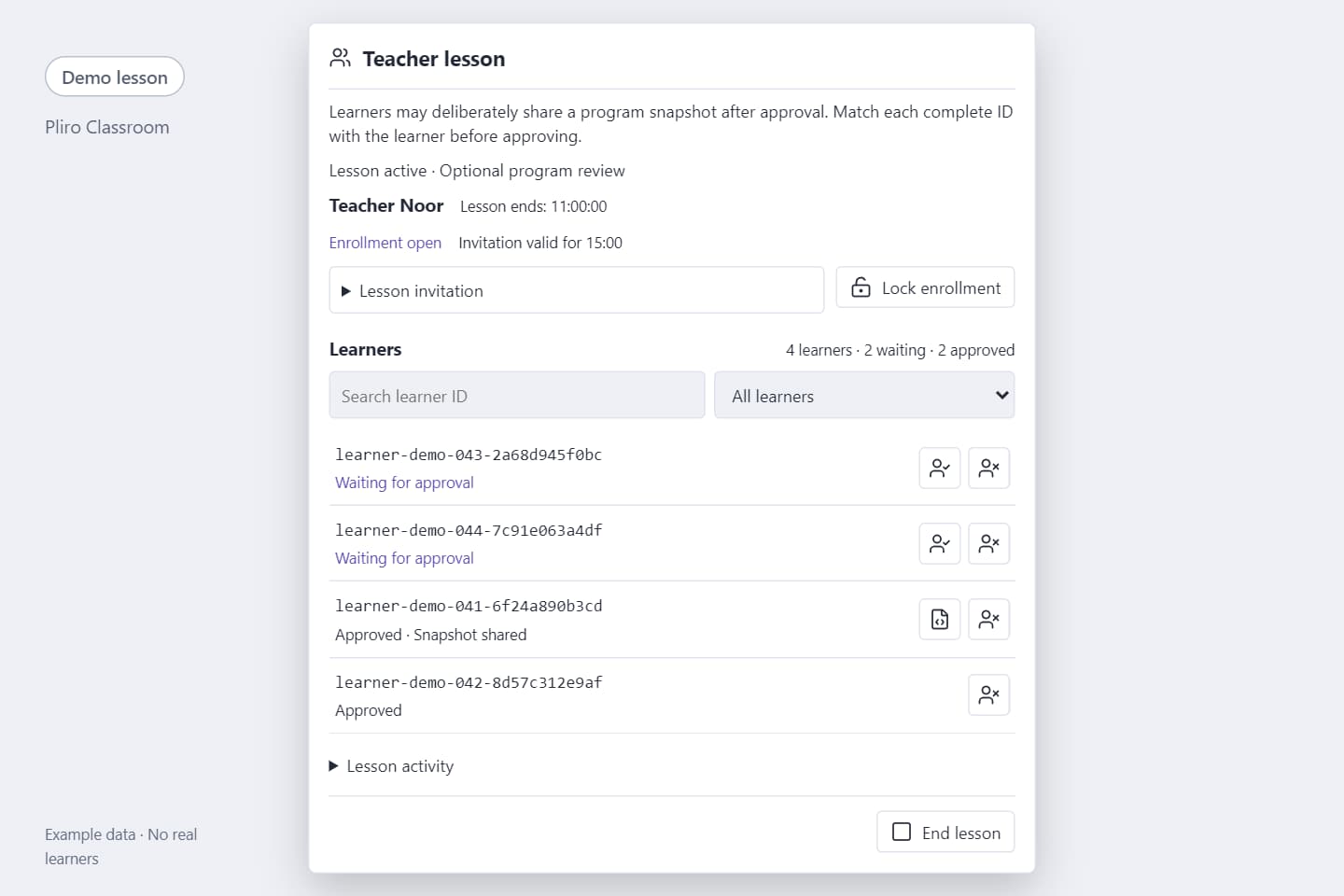
Pliro for schools
Sketch what the code will draw.
Compare the result with the prediction.
Work out which instructions belong together.
Change one value and explore the difference.
Create a variation and explain a choice.
Predict, run, investigate, modify and make. Adjust the pace to your group; the teaching kit is free and does not require Classroom.
Explore the teaching kitAn initiative by Logicos Software
We bring our experience in software development to a long-term ambition: helping more children understand the technology around them. We develop the language and its tools together, with that first discovery in mind.
The story behind Pliro
Explore a first project, discover the school materials, or talk to us about bringing Pliro into your organisation.